Fix My Device
When something stops working in your home, the frustration isn't just the broken device -- it's not knowing who to trust to fix it or whether you'll waste money on someone who guesses their way through it.
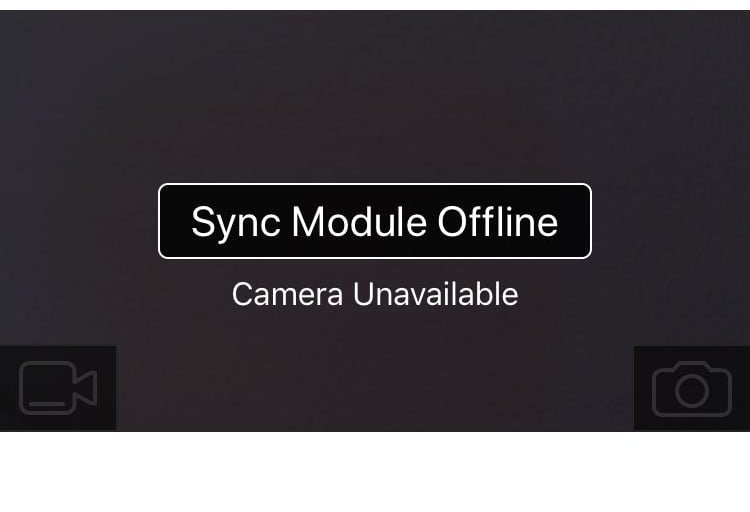
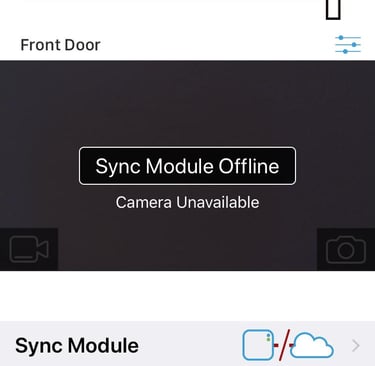
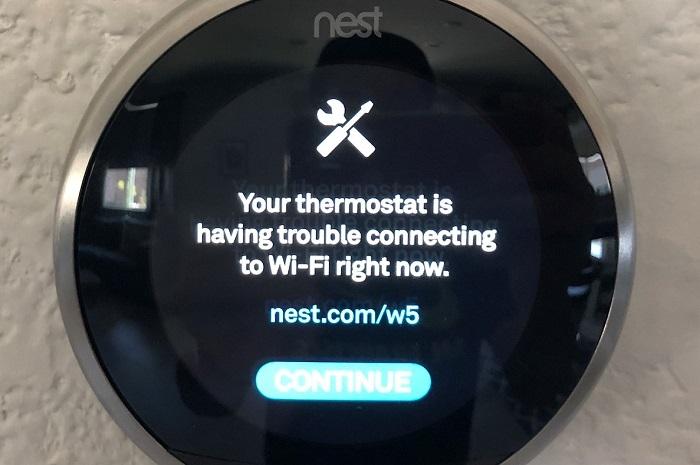
Most smart home problems start small. A doorbell that won't connect. A thermostat with a blank screen. A camera that keeps dropping offline. The answers you find online are scattered, written for generic setups, and rarely match what's actually happening in your home.
This page breaks down the most common smart home problems Michigan homeowners face -- what's actually causing them, and the fastest path to a real fix. Some you can handle yourself. Others need the right equipment and the right hands. Either way, you'll know exactly what to do next.
Smart Home Problems We See Every Day (and Fix the Right Way)
Most issues are not random. They are predictable, repeatable, and almost always caused by improper setup or a rushed installation. Below are the most common problems Michigan homeowners face, what is actually going wrong, and why they keep coming back until someone fixes them properly.
1. Doorbell Camera Not Working or Going Offline
Missed deliveries, no alerts, or delayed notifications
Weak wiring, poor WiFi signal, or incorrect transformer setup
Installed just enough to turn on -- not enough to perform reliably
Why it matters: This is your front door. When it fails, you have no idea who is there.
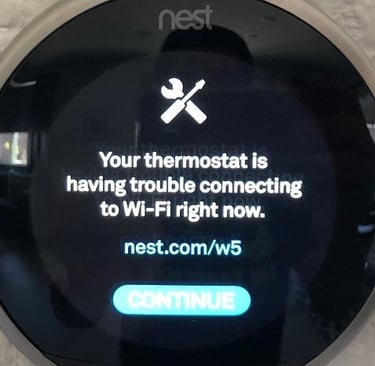
2. Smart Thermostat Not Responding or Losing Connection
App shows offline or won't connect
HVAC system incompatible or improperly wired -- C-wire issues are the most common cause
Temperature swings, short cycling, or no control at all
Why it matters: Comfort and energy savings both depend on proper setup, not just getting the device on the wall.
3. Cameras Dropping Signal or Showing Poor Video Quality
Constantly buffering, lagging, or going offline
Weak WiFi coverage or incorrect placement
Installed without considering network strength or camera positioning
Why it matters: Security footage that fails when you need it is not security. It is a false sense of it.
4. Smart Locks Not Connecting or Failing to Respond
Delayed locking and unlocking or complete app failure
Bluetooth or WiFi bridge issues and bad door calibration
Works manually but not through the app
Why it matters: This is access to your home. It has to work every single time -- not most of the time.
5. Devices That Do Not Work Together
Doorbell, cameras, thermostat, and locks all running on separate systems
Multiple apps, conflicting settings, no central control
DIY installs built device by device with no system-level plan
Why it matters: A smart home should feel seamless. If you are managing four apps to control your own house, something was installed wrong.
6. WiFi and Network Problems Breaking Everything
Devices constantly disconnecting throughout the day
Dead zones the installer never accounted for
A router setup that was never designed to support smart devices
Why it matters: Every smart device in your home runs on your network. A weak network means a broken smart home -- no matter how good the devices are.
7. Poor Installation and Visible Mess
Crooked mounts, exposed wires, sloppy placement
Devices installed without regard for aesthetics or long-term use
Installs that technically work but never feel finished
Why it matters: You look at these devices every day. A white glove install should look as good as it works.
Why This Keeps Happening
Almost every problem on this list starts the same way -- a rushed install, a low-cost decision, or devices pieced together without a plan. The result is wasted time, repeated frustration, and paying twice to have it done right the second time.
What We Do Differently
We treat every project as a complete system. Devices are selected for compatibility, installed cleanly, and configured to work together from day one. No guesswork, no patchwork fixes, no calling us back next week because something stopped working.
If your smart home is not performing the way it should -- whether we installed it or someone else did -- call or text us. We will tell you exactly what is wrong and what it takes to fix it.

Get It Done Right—Book White Glove Service

Your trusted source for Michigan Smart Home Installations. Quality workmanship, transparent pricing, and customer satisfaction assured.
Based out of Troy, Michigan
© 2026 Michigan Smart Install, LLC- part of the Quick Response Connect, LLC ecosystem. All rights reserved.
Terms of Use / Privacy Policy
Disclaimer:
Services provided by Michigan Smart Install, LLC. Performance depends on existing wiring, network conditions, and third-party devices. No guarantee of uninterrupted operation. Please read your service agreement, terms of use, privacy policy, and other applicable agreements.
Affiliate Disclosure:
As required by the Federal Trade Commission, this site may contain affiliate links. As an Amazon Associates Programparticipant, we may earn commissions from qualifying purchases at no additional cost to you.
SMS Notice:
By submitting your number, you agree to receive calls and texts regarding your inquiry. Msg & data rates may apply. Reply STOP to opt out.